.png)
You got the coverage. A press release went out, your company appeared in recognizable publications, and for about 48 hours you shared the links and felt the satisfaction of it. Then traffic went back to normal, sales calls continued starting from zero, and the coverage URL got bookmarked and largely forgotten.
That is not a PR problem. It is a placement problem.
Media coverage does not convert visitors into buyers by existing. It converts them by appearing in the right location, at the right moment in the decision journey, in a format that actually proves what it claims. Most businesses either bury their press mentions in a "News" page nobody visits, or drop a static logo bar on their homepage and assume the work is done. Neither approach closes the credibility gap that makes visitors hesitate.
By the end of this, you will know the three specific website locations where media coverage does measurable conversion work, what to put in each spot, and exactly how to format it so it functions as proof rather than decoration.
Media coverage is a third-party trust signal. When a recognized publication writes about your business, its credibility transfers to yours -- but only if a visitor actually encounters that signal during the part of their session where trust matters most. Understanding what media credibility actually means for a business is the starting point; knowing where to deploy it is what closes the gap.
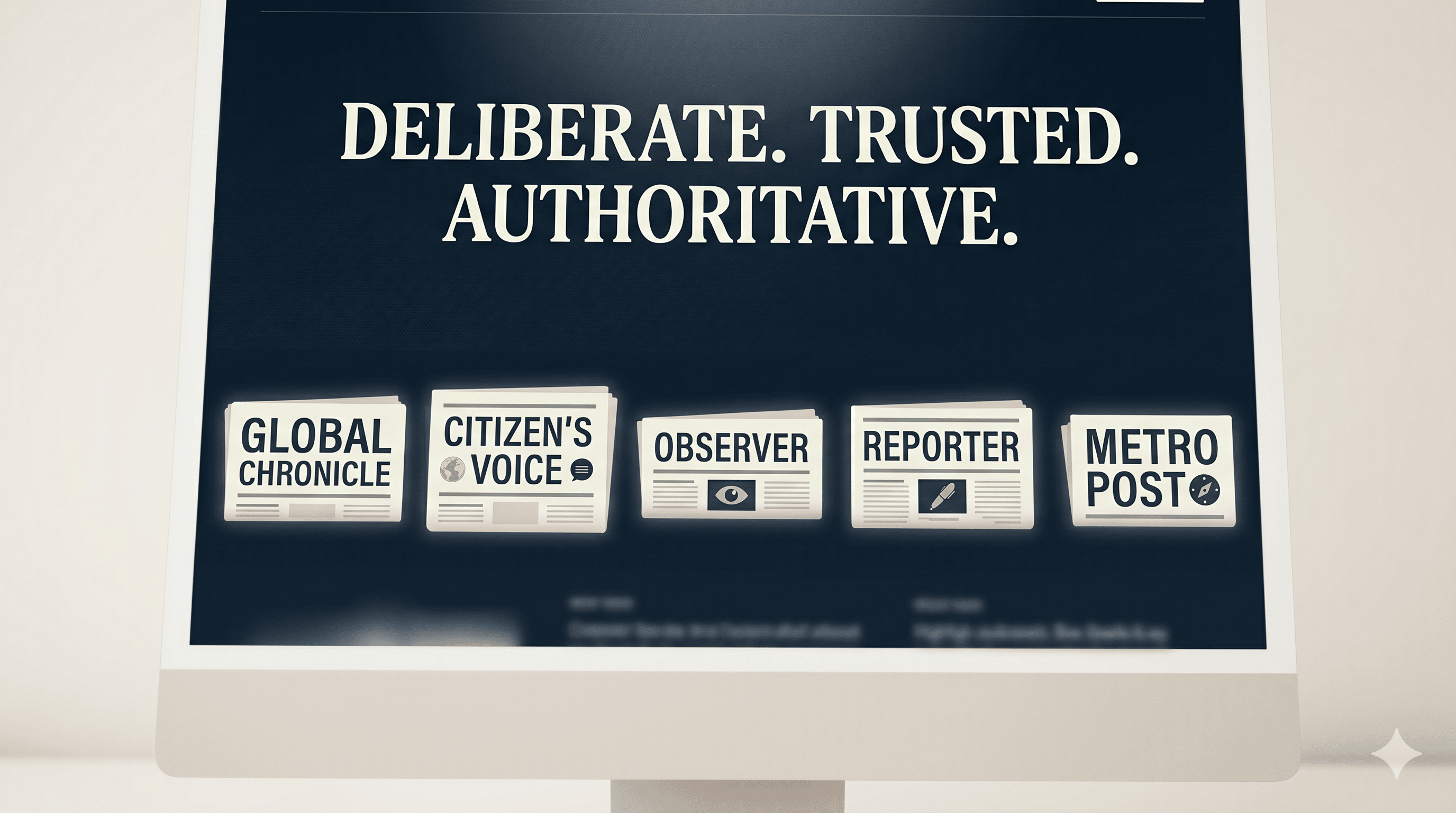
Earned media consistently generates more credibility with consumers than paid advertising. The source is independent, the coverage is not purchased, and the reader knows the difference. That credibility premium is only relevant, however, if the coverage is visible to someone in the process of deciding whether to trust you.
A logo bar positioned below the footer, or a press page linked from a secondary navigation menu, does not reach most visitors at a decision moment. It reaches the ones already determined to research you thoroughly -- a fraction of your total traffic.
The conversion case for media placement is not about vanity. Trust signals placed adjacent to conversion points consistently outperform the same signals placed elsewhere on the same page. Proximity to the decision is what creates the effect. Move the coverage closer to where the decision happens, and the coverage starts working.
The homepage above-the-fold section is where your visitor forms their first judgment about whether you are legitimate. This judgment happens in under ten seconds. If a skeptical visitor lands on your homepage with no credibility anchor visible in that first viewport, you are asking them to read your marketing claims before they have any reason to trust you.
Media coverage placed in the above-the-fold section -- meaning visible without scrolling on a standard desktop viewport -- inverts that sequence. The visitor sees third-party validation before they see your tagline, your offer, or your pricing. Their brain registers legitimacy before it processes what you are selling.
The exact placement: Position a media badge row directly below your hero headline, or directly above it if your headline is strong enough to stand without context. The logos should be recognizable, sized large enough to read clearly (minimum 80px height on desktop), and followed by a short label such as "Featured in" that is plain and descriptive rather than boastful.
What most businesses get wrong here: They use static image files of media logos with no link, no attribution, and no verification path. A visitor who wants to confirm the coverage has no way to do so without leaving the page to search manually. This creates doubt rather than trust. Every media logo on your homepage should link directly to the actual article about your company, opening in a new tab. The verifiability of a claim, not just its presence, is what changes buyer behavior. A linked logo is verifiable. A static image is not.
One bootstrapped founder documented this precisely: after adding linked media logos above the fold, investor inquiries and improved visitor trust followed within days -- not because the coverage drove new traffic, but because the credibility signal changed how existing visitors evaluated what they were already looking at.
The full mechanics of building this correctly are covered in the media badge setup guide. The short version: each publication logo must link to the live article, the badge must be responsive across device sizes, and the display should load without slowing the page. Brand Featured's dynamic HTML badge is included with every package and built to those exact specifications.
The pricing page is where conversion intent concentrates. A visitor who reaches your pricing section has already moved past awareness and interest - they are evaluating whether to spend money with you. This is the highest-anxiety moment in their session. It is also the moment when credibility resistance peaks.
Price resistance is rarely about the number. At the pricing stage, buyers are asking "can I trust this company with my money?" -- not "is this price fair for the market?" They have already made a rough comparison judgment. What they need, at that exact moment, is a reason to believe you are who you say you are.
Media coverage placed adjacent to pricing answers that question directly, and it does so with more authority than a testimonial or a star rating because it comes from a third party with its own editorial reputation, not from a customer who may have been incentivized to leave a positive comment.

The exact placement: Add a compact media strip - two to four recognizable publication logos with a short "Featured in" label -- either directly above the pricing tiers, between the pricing section and the CTA button, or as a sidebar element on a pricing page with a two-column layout. The goal is that a visitor's eye encounters the coverage signal before it lands on the buy button or the "contact us" link.
What most businesses get wrong here: They treat the pricing page as a conversion page in isolation - stripped down, focused only on the offer. That logic works when trust has already been established. For most SMBs and early-stage companies, trust has not been fully established by the time a visitor reaches pricing. The media coverage does not distract from the conversion; it removes the credibility objection that would have prevented it.
A second mistake is using coverage from publications the target audience does not recognize. If your buyer is an SMB owner, a mention in a recognized business publication or a high-authority outlet carries more weight than a wire service name they have never encountered. Browsing Brand Featured's media outlets shows clearly which publications carry genuine recognition among business buyers versus those that inflate distribution numbers with low-authority names.
Most businesses think about website placement as only the public-facing website. The third placement that converts is one step removed: the documents and messages that move a deal from interested to closed.
A prospect who has received your proposal, your service quote, or a follow-up email after an initial call is in the most deliberate evaluation phase of the buyer journey.
They are not passively browsing. They are comparing you against one or two alternatives, possibly presenting your option internally to a decision-maker who never visited your website, and looking for reasons to justify the spend or reasons to walk away.
Media coverage, when included in this document stage, does two things simultaneously. First, it answers the silent question every proposal recipient asks: "Is this company established and credible, or is this someone I found on the internet?" Second, it gives the internal champion - the person presenting your proposal to their CFO or CEO - a shorthand validation tool. They can say "they have been featured in [publication]" rather than having to articulate the quality of your work from memory.
The exact placement: Add a compact credibility section to the cover page or first page of your proposal template. Include two to three media logos with the direct article URLs printed as clean, readable links. A label such as "Recognized by" or "Featured in" with no superlatives is the right tone. Keep it to one to two lines of visual space. This is not a highlight reel. It is a trust footnote that does quiet, important work.
For email follow-ups, include one sentence with a hyperlinked media mention in your closing paragraph. Something like: "We were recently featured in [Publication] covering [brief relevant topic] -- the article is here if useful context." This is not self-promotion. It is reducing friction for a buyer who is trying to verify your legitimacy without asking you directly. The broader strategy for this approach is laid out in the guide on using media mentions in sales.
Media coverage in sales materials accelerates deal velocity because it shortens the trust-building phase of the conversation. The coverage builds credibility in advance, so your representative does not have to construct it from scratch in every exchange. Brand Featured clients consistently describe this effect: the coverage changes how prospects respond before the first substantive conversation begins.
The three placements above work when the coverage they display is verifiable. A static image of a logo grid is a design element. A set of logos that each link directly to the article about your company is a verification mechanism.
The distinction matters because the persuasive effect of a trust signal is directly tied to the effort required to verify it. Low-effort verification -- clicking a logo and landing on an article -- produces a stronger credibility response than high-effort verification or no verification path at all. The easier it is to confirm you were actually featured, the more powerfully the feature converts.
Worth noting here: not all press coverage is equal, and not all distribution services deliver what they claim. If you have not yet secured coverage or are evaluating your options, the breakdown of what press coverage actually costs in 2026 is a useful reference before committing to anything. For context on why some services overpromise, the piece on guaranteed placement scams is direct about what to avoid.
Brand Featured's dynamic HTML badge is included with every package for the reasons described above. Each logo links individually to the source article, the badge is responsive across device sizes, and the coverage is verifiable in one click. The FAQ covers the technical details of how the badge is delivered and embedded.
Yes, when placed at decision points. Trust signals placed adjacent to conversion moments -- pricing sections, CTAs, proposal documents -- reduce credibility friction and shorten the trust-building phase. The effect is strongest when each media logo links directly to the source article, allowing visitors to verify the coverage without leaving the page.
The three highest-converting placements are: above the fold on your homepage, adjacent to your pricing or packages section, and inside proposals or sales follow-up documents. Each placement corresponds to a specific decision moment where credibility resistance peaks and third-party validation does the most work.
A dynamic HTML media badge where each logo links directly to the corresponding article outperforms static image strips. Linked logos are verifiable; static images are not. Verifiability is the variable that converts skeptical visitors into trusting ones. Logo size, label copy, and device responsiveness all affect how the display performs. Brand Featured includes a dynamic badge with every package for exactly this reason.
Press coverage is not a milestone. It is a deployable credibility asset that should appear at every point in your website and sales process where a visitor or prospect has a reason to ask "but can I trust these people?"
The three placements in this post -- above the fold, adjacent to pricing, and inside your sales documents -- are the locations where that question gets asked most often and where the answer has the most direct effect on whether someone moves forward.
If you have coverage and are not using it at these locations, you are leaving the most durable trust signal in your marketing sitting idle. The work of getting featured has already been done. The work of placing it correctly takes an afternoon.


.png)
.png)
.png)